Small Text Generator
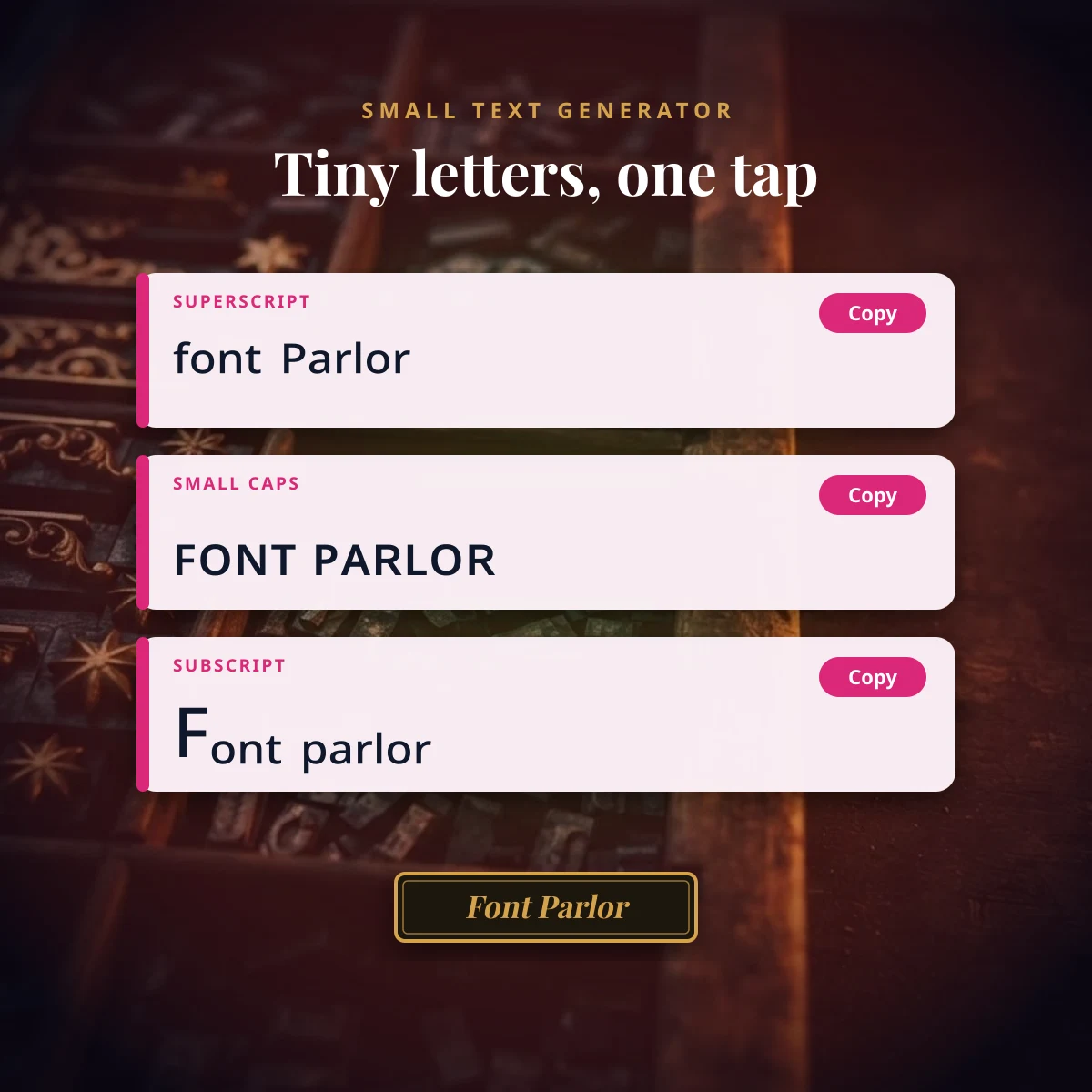
A small text generator turns ordinary letters into tiny Unicode characters you can paste anywhere. Type your words, scroll the styles, and tap one card to copy it: superscript, subscript, small caps, glitch, bubble and weird text. Nothing is installed, and the result works as plain text in most apps.
Style rooms
Each room is its own page with a focused generator, examples and tips. Rooms marked “Soon” are in the publishing plan and go live on their dates.
- 1Small text generatorSuperscript, subscript, small capsSoon
- 2Tiny text generatorTiny letters for bios and namesSoon
- 3Text glitch generatorZalgo and corrupted textSoon
- 4Bubble letter generatorCircled and enclosed lettersSoon
- 5Printable bubble lettersOutlined letters to print and colorSoon
- 6Weird text generatorUpside down, wide, frakturSoon
- 7Cursed text generatorCombining marks, levels 1 to 8Soon
- 8Text Unicode generatorCode points, UTF-8 bytes, entitiesSoon
How small text generators work
Unicode, the standard behind almost all digital text, contains thousands of characters beyond the basic alphabet. Some of them happen to look like shrunken, circled or decorated letters. A generator maps each letter you type to one of those characters. Nothing is drawn and no font is applied, so what you copy is plain text.
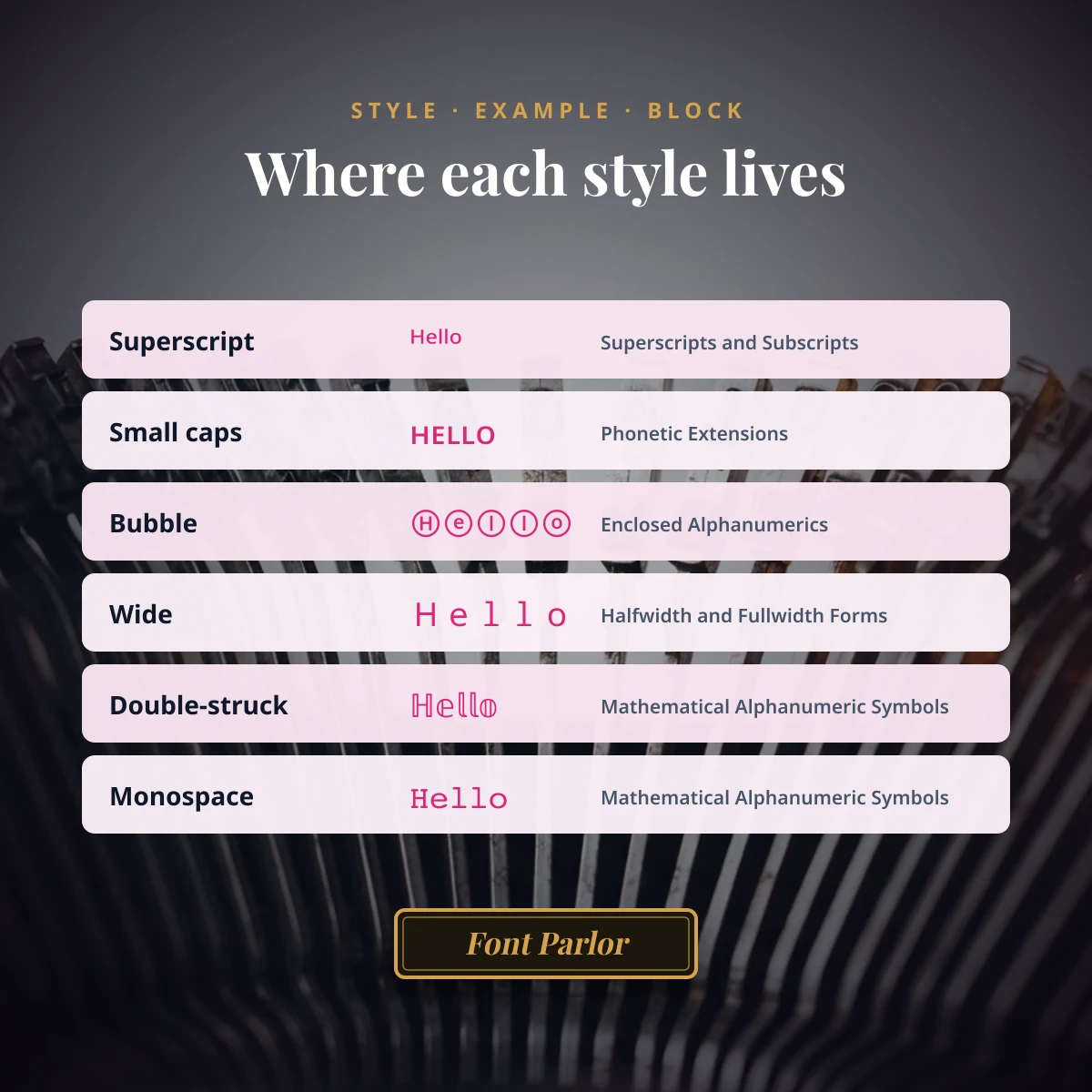
Styles at a glance
| Style | Example | Unicode block |
|---|---|---|
| Superscript | ᴴᵉˡˡᵒ | Superscripts and Subscripts, Phonetic Extensions |
| Small caps | ʜᴇʟʟᴏ | Phonetic Extensions, Latin Extended |
| Subscript | ₕₑₗₗₒ | Superscripts and Subscripts |
| Glitch | H̸̰̮̀̅è̴̤̘̃l̶̫̥ͪ̇l̸̩̥ͦ͗ŏ̸̲̘̓ | Combining Diacritical Marks |
| Strikethrough | H̶e̶l̶l̶o̶ | Combining Diacritical Marks |
| Bubble | Ⓗⓔⓛⓛⓞ | Enclosed Alphanumerics |
| Black bubble | 🅗🅔🅛🅛🅞 | Enclosed Alphanumeric Supplement |
| Wide | Hello | Halfwidth and Fullwidth Forms |
| Upside down | ollǝɥ | IPA Extensions and others |
| Double-struck | ℍ𝕖𝕝𝕝𝕠 | Mathematical Alphanumeric Symbols |
| Bold fraktur | 𝕳𝖊𝖑𝖑𝖔 | Mathematical Alphanumeric Symbols |
| Monospace | 𝙷𝚎𝚕𝚕𝚘 | Mathematical Alphanumeric Symbols |
Ways people use them
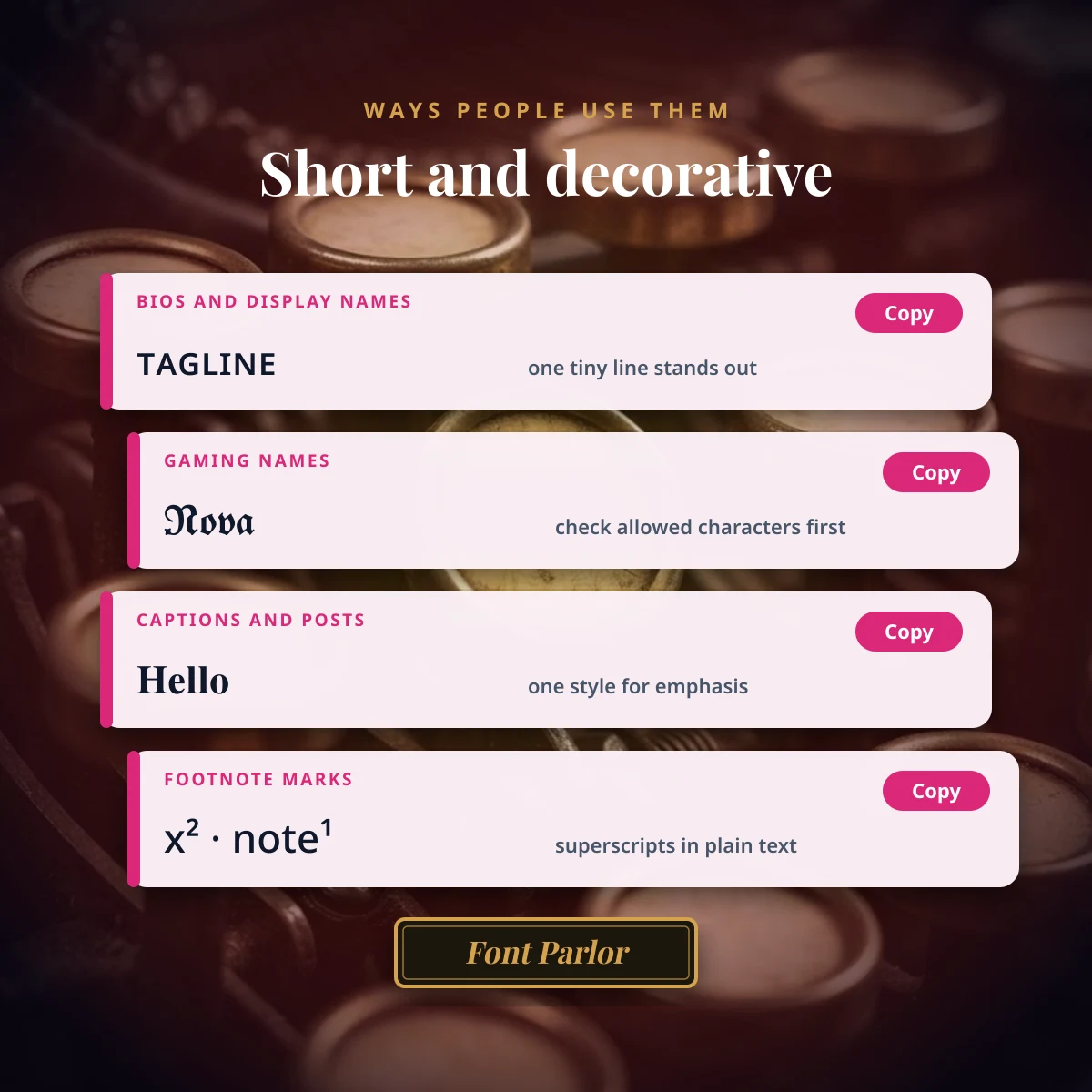
- Bios and display names: a small-caps or superscript line makes a short tagline stand out.
- Gaming names: bubble and fraktur styles are popular, but check the game’s allowed characters first.
- Captions and posts: use one style for emphasis rather than a whole paragraph.
- Footnote-style marks: superscript numbers work for notes and exponents in plain text.
Tips for good results
- Keep decorative text short. Long passages are hard to read and can be skipped by search and screen readers.
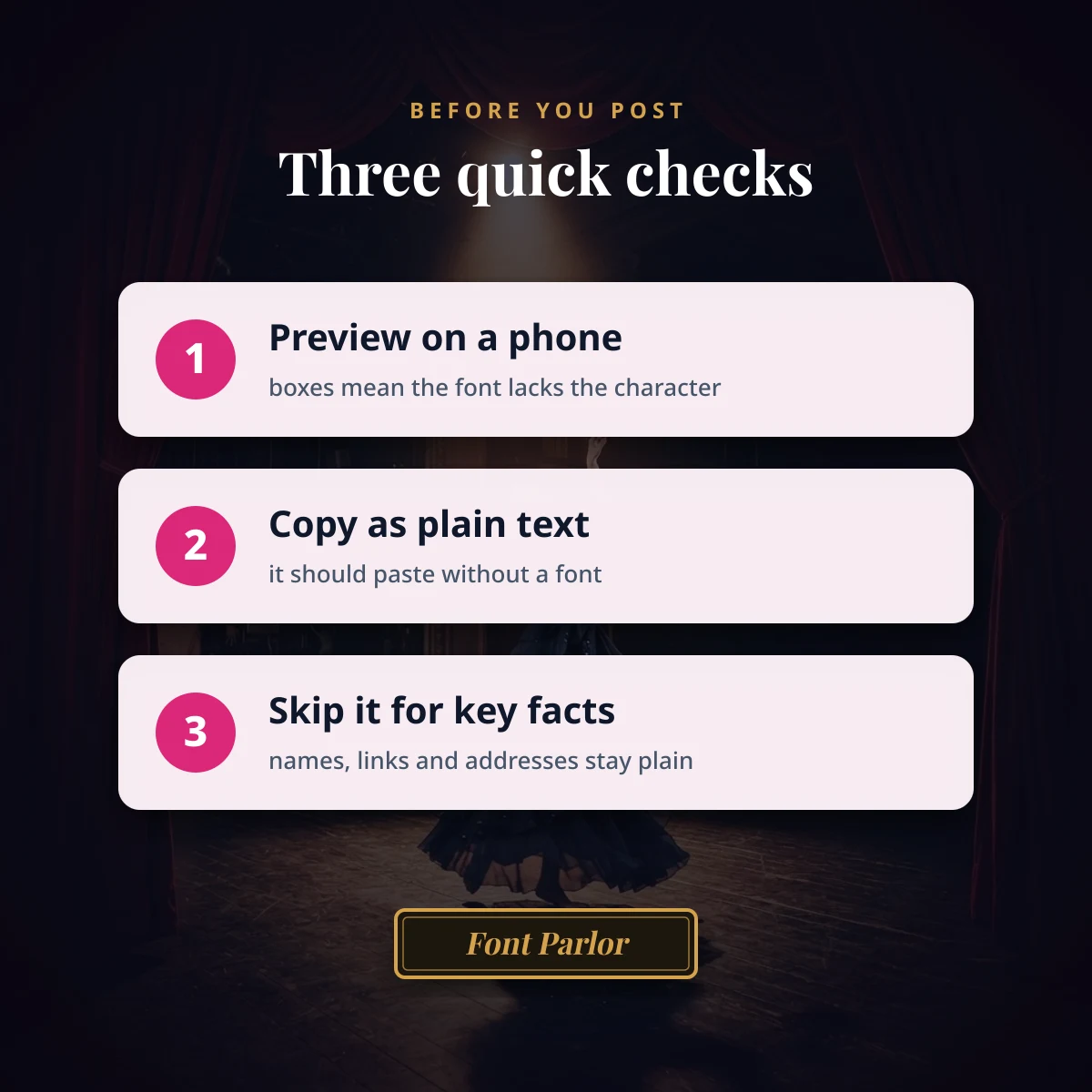
- Test on a phone you do not own the font setup of. If you see boxes, switch to a more common style.
- Avoid decorative text for emails, links, passwords and anything that must be searchable.
- Glitch text can break line spacing. Preview it where you plan to post it.
Frequently asked questions
Is this a font or a set of special characters?
Special characters. Each letter is swapped for a different Unicode character that looks like a small, circled or fancy version of it. Because they are real characters, they paste as plain text without installing a font.
Where can I paste these styles?
Most bios, captions, usernames, chats and comment boxes accept them, because they are ordinary text. A few apps filter or restrict some symbols, so test a short sample first.
Why do some letters show as empty boxes?
The device that displays the text may not have a font containing that character. Pick a more common style, such as small caps or bubble letters, if a symbol turns into a box on someone’s phone.
Do screen readers read these styles?
Often badly. Many screen readers skip decorative Unicode or read each character by its long name. Use these styles for decoration, not for names, links, addresses or anything people must understand.
Why is there no tiny letter for every character?
Unicode only contains small superscript and subscript forms for some letters. Where no small form exists, the generator keeps the normal letter instead of inventing one.
What is glitch or zalgo text?
It is normal text with extra combining marks stacked above, below and through each letter. Press shuffle for a new random pattern. Very heavy glitch text can overflow lines and be hard to read.
Did this page help?
Tell us what worked or what to fix. One tap is enough.
Thank you! We read every note.